
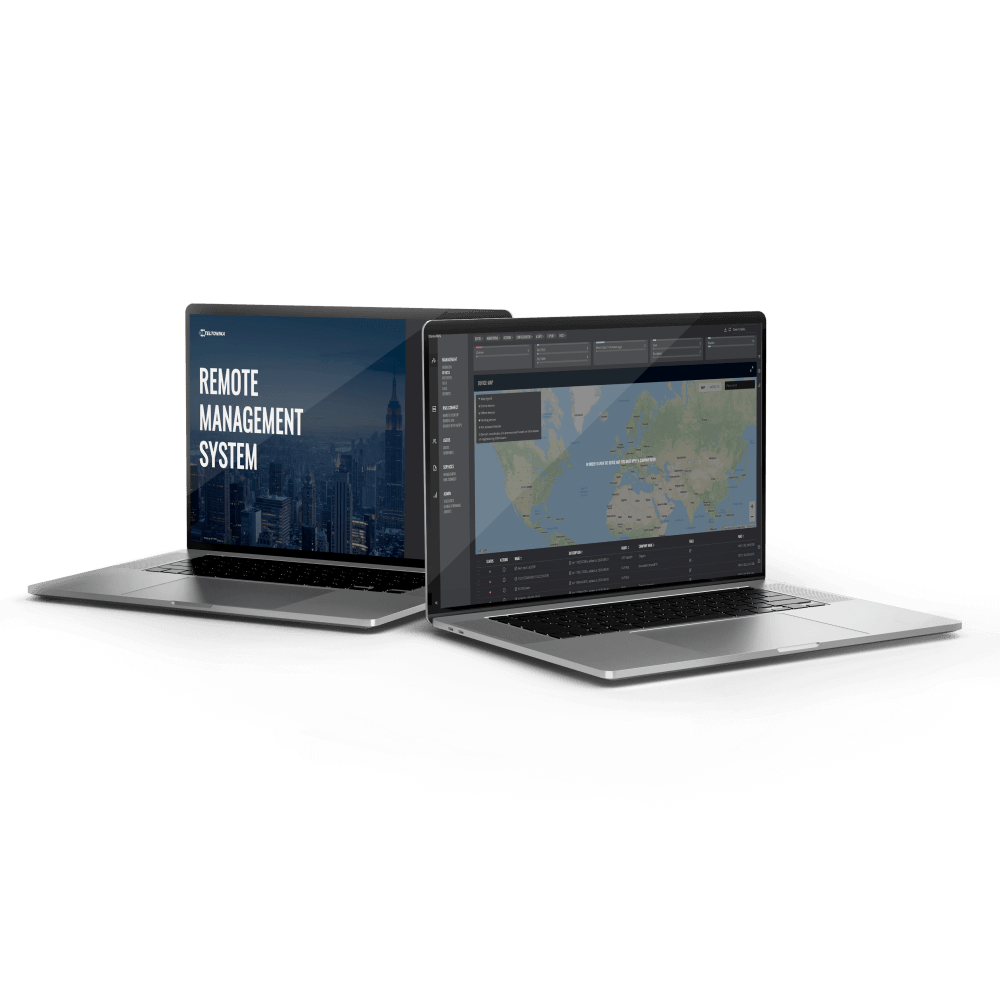
WANplex Bonding package 3 years
€ 28,00 Excluding tax
Activate WANplex Bonding on one Teltonika device for 3 years. The router then uses all its internet connections at once: more bandwidth, and active sessions such as VPN tunnels stay up when a connection fails. Suits installations planned for three years, such as a service contract.
NOTE: Requires an active RMS Management license on the same device. One package covers one device and cannot be split across multiple devices.
In stock
Combine all internet connections of your Teltonika router into one stable link
WANplex Bonding lets a supported Teltonika router or gateway use all its internet connections at the same time. If one connection drops, traffic continues over the others and active sessions stay up. This package activates WANplex on one device that is already managed in Teltonika RMS.
What WANplex changes for your connection
- More bandwidth. WANplex splits traffic at packet level and sends it over all active mobile, satellite and wired connections at once. This combines their capacity for large data transfers and live video.
- No dropped sessions. When a connection fails, traffic moves to the remaining links. VPN tunnels stay up and users do not have to log in again.
- One dashboard. You enable, configure and monitor bonding for your entire fleet in RMS. You do not need a separate SD-WAN platform or software contract.
- Faster rollout. Prepare bonding profiles in RMS and apply them to new devices, without configuring each router on site.
Where WANplex makes a difference
- Vehicles and public transport: passenger Wi-Fi, live CCTV and telemetry stay online while the vehicle moves between coverage areas and mobile networks.
- Branches and retail: fixed broadband combined with 5G or LTE keeps payment terminals, cloud ERP and VoIP running during an outage.
- Field operations and emergency response: satellite combined with mobile gives a usable connection in remote areas.
What you need
- A Teltonika router from the RUTX, RUTM or RUTC series, with firmware 07.26.1 or newer.
- At least two internet connections on that device, for example two mobile SIMs, or fixed broadband plus mobile. WANplex bonds up to four connections per device.
- A WANplex hub: the bonding server that combines the traffic of your devices. You create the hub in RMS and install it on a Linux server you manage.
- An active RMS Management license for the same device, because WANplex Bonding works on top of RMS Management.
The server requirements, such as Docker, open ports and recommended hardware, are listed in the WANplex guide in the Teltonika wiki.
No RMS Management license on this device yet? Choose the RMS + WANplex Bonding package instead.
What’s included
- A WANplex Bonding license for one device, for the term in the product name.
- A one-time payment: no monthly fees and no contract.
- No extra software on the router: WANplex is part of RutOS and is activated from RMS.
How to activate after purchase
- Complete your order. You receive your license code by email.
- Log in to Teltonika RMS and redeem the code.
- Create a WANplex hub in RMS and install it on your server, if you have not done so yet.
- Add your device to the hub, assign the license and enable bonding.
The WANplex guide in the Teltonika wiki describes each step, including the hub installation.
Planning a larger rollout?
For volume orders or advice on the right setup, email sales@instantbuyrms.com.
More about WANplex
Teltonika Networks explains how WANplex works, with use cases and answers to common questions, on its WANplex technology page.
Activating Teltonika Networks RMS resource codes
Teltonika has provided a handy wiki page that explains how to use your RMS license codes. Take a look at the page here and find out how to activate your codes!
Supporting documents
These supporting documents can be used to quickly start using Teltonika RMS’s features. Have a look at the documents: RMS Management
Related Products
Related products
-
RMS + WANplex Bonding package 10 years
€ 80,00 Excluding tax -
RMS + WANplex Bonding package 3 years
€ 50,00 Excluding tax -
WANplex Bonding package 10 years
€ 47,00 Excluding tax